
The Nonfiction Problem: Why Linear Reading Fails
Most readers approach every book the exact same way they were taught in elementary school: start on page one, read every single sentence line-by-line, and hope the core insights stick.
For a gripping mystery novel, linear reading is pure joy. But for nonfiction—business books, technical manuals, leadership guides, and research papers—linear reading is painfully slow and cognitively draining.
Studies in cognitive ergonomics show that up to 80% of typical nonfiction content is filler:
- Long-winded corporate anecdotes from the 1990s.
- Publisher-mandated word count padding.
- Repetitive examples that re-explain concepts you already understand.
- Tangential historical background that has zero bearing on what you need to achieve today.
When you read without a defined objective, your working memory treats every word as equally important. You spend 45 minutes wading through background setup, experience attention fatigue, and set the book down—never finishing it.
Luma changes this fundamentally by introducing Goal-Driven Reading.
What is Goal-Driven Reading with Luma?

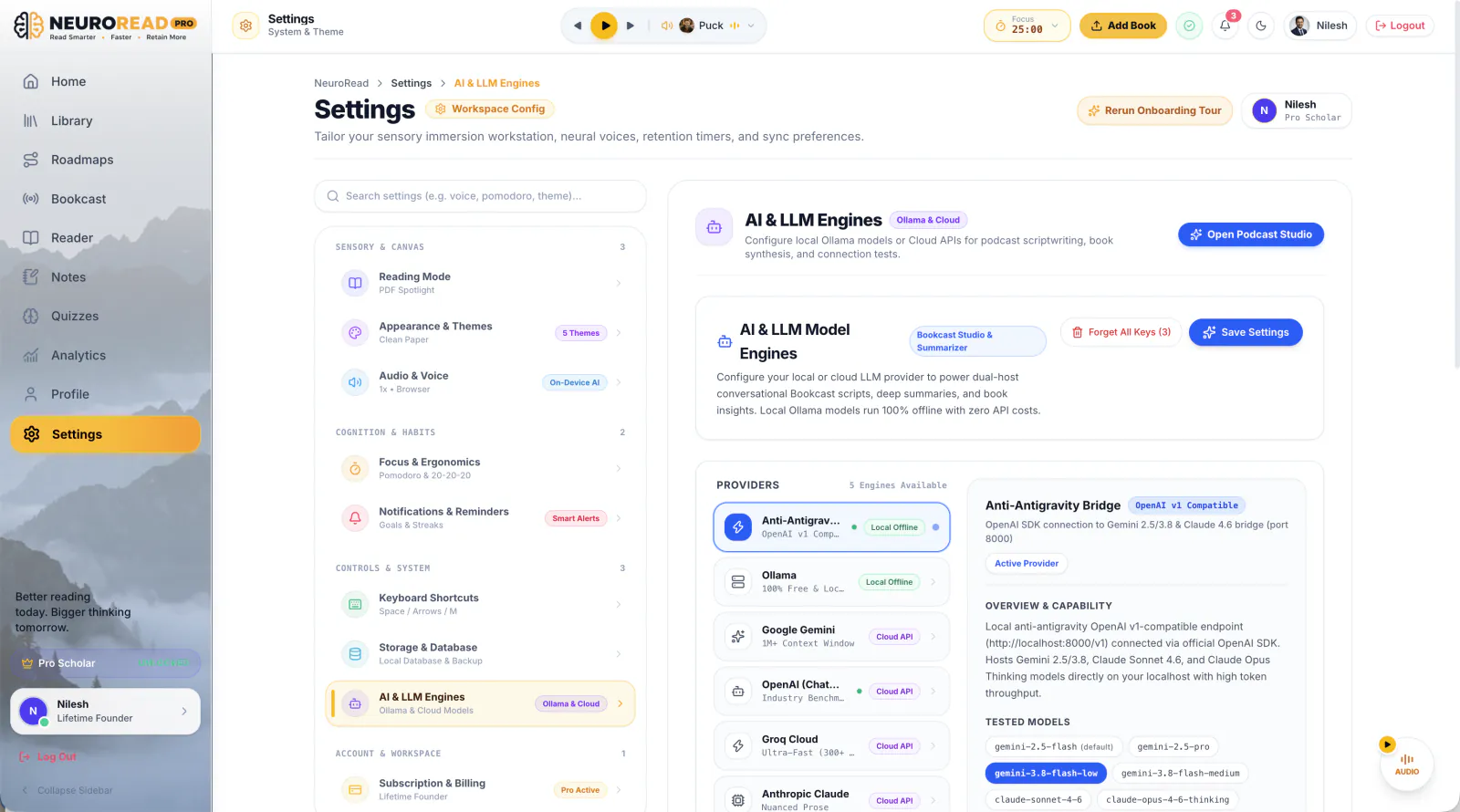
Luma is the intelligent, in-book AI assistant built directly into the NeuroRead Pro workspace.
Instead of treating a book as an untouchable monolith, Luma acts as an expert intellectual co-pilot that tailors the entire reading experience around your specific learning goal.
Whether you are an engineer preparing for a system design interview, a founder building product onboarding loops, or a student mastering cognitive psychology, Luma recalibrates the text to highlight what matters, filter out what doesn't, and guide you chapter-by-chapter.
Here is the complete step-by-step workflow.
Step 1: Start with a Goal
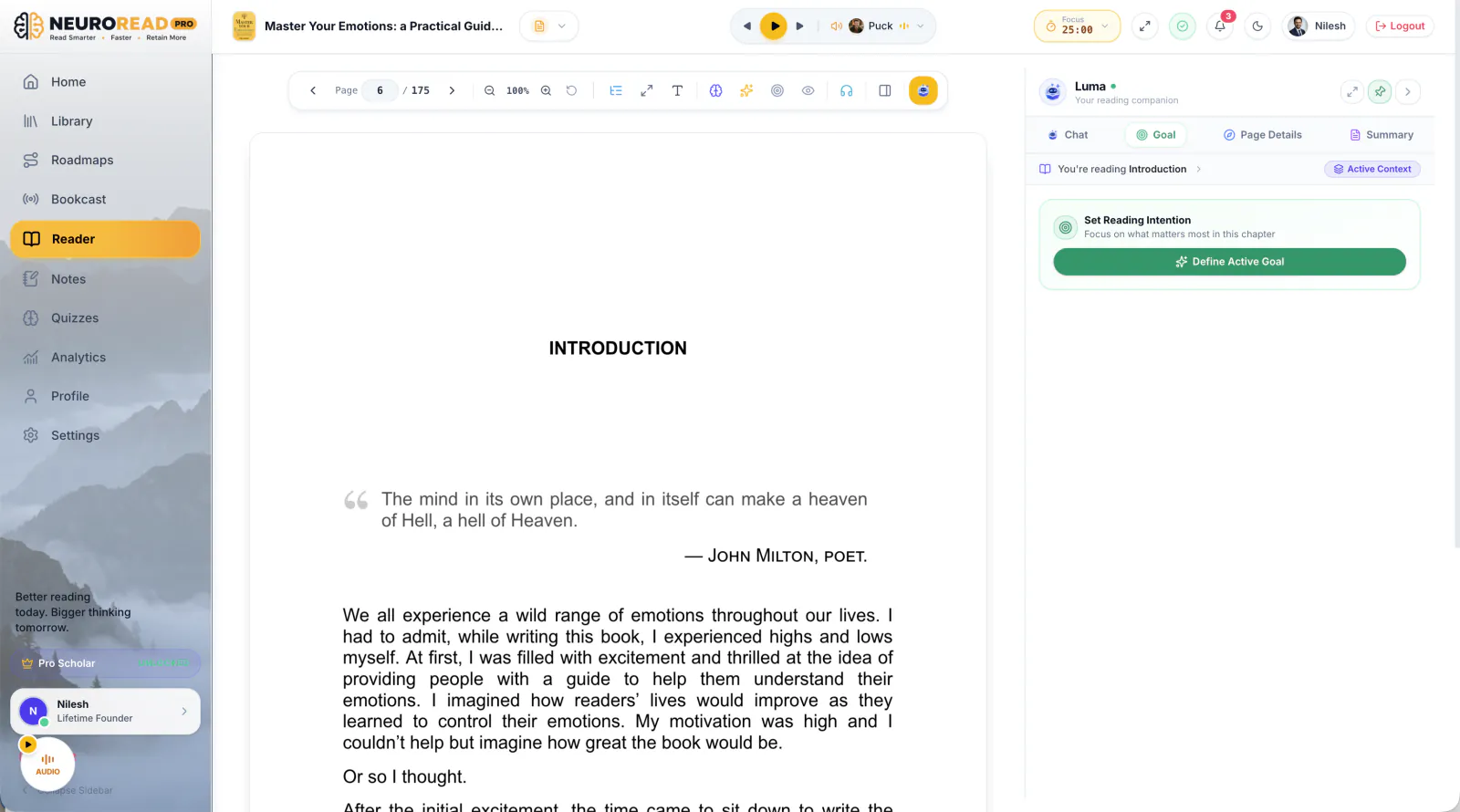
When you open any book, article, or PDF document in NeuroRead Pro, you don't just dive in blindly. You start by establishing your Reading Intention.
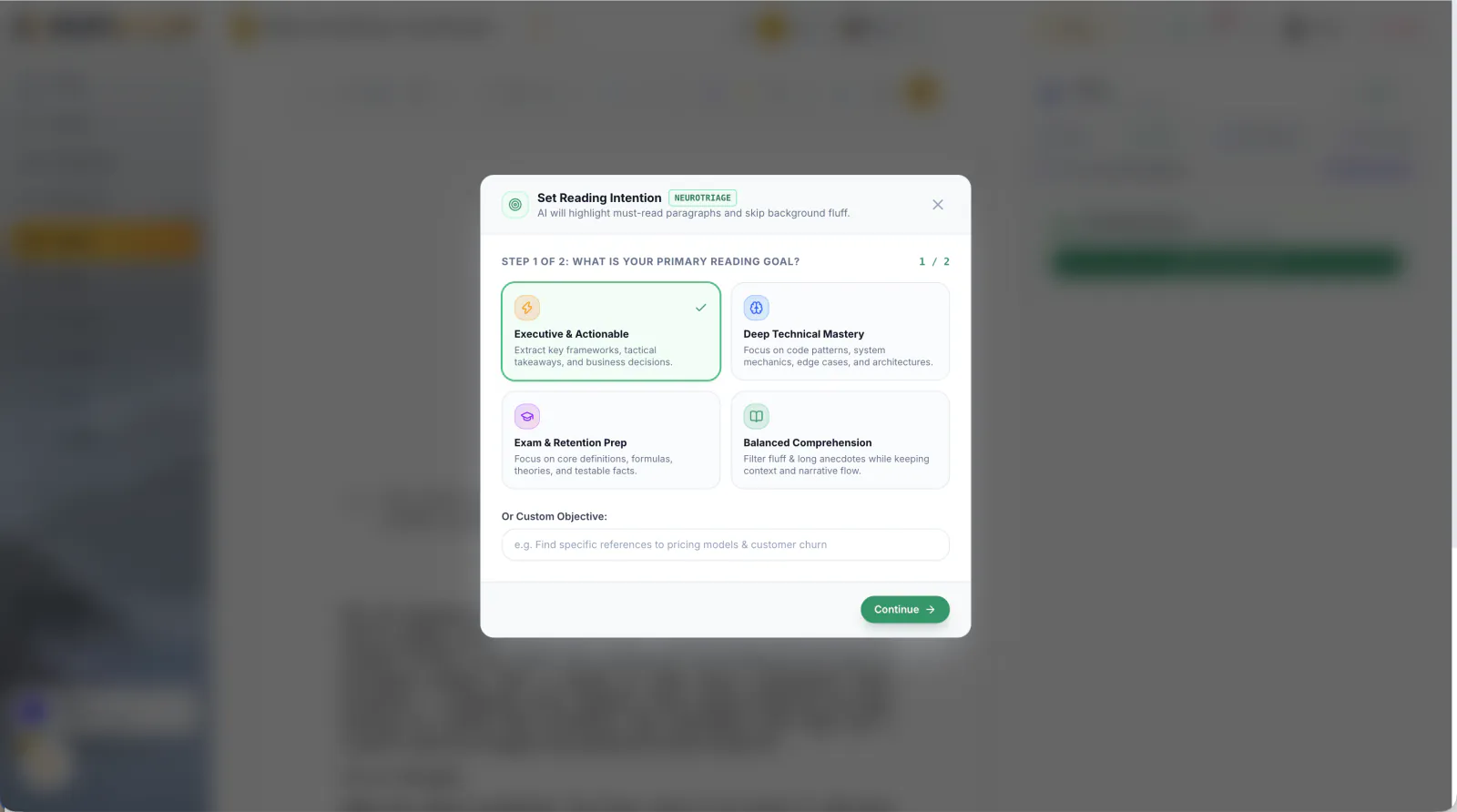
Click the Start with Goal button in the reading sidebar. Luma prompts you to define what you want to extract from this specific title:
You can choose from popular goal presets or type your own custom objective:
- "I want to master habit formation loops to design a morning writing routine; skip the athletic sports case studies."
- "I am studying distributed database failovers; prioritize Raft/Paxos consensus and skip the historical introductions."
- "I need 3 actionable management frameworks to handle difficult 1-on-1 conversations this quarter."
Step 2: Calibrate Your Reading Attention
Next, Luma lets you configure your Reading Attention Level based on your schedule and the urgency of your learning objective:
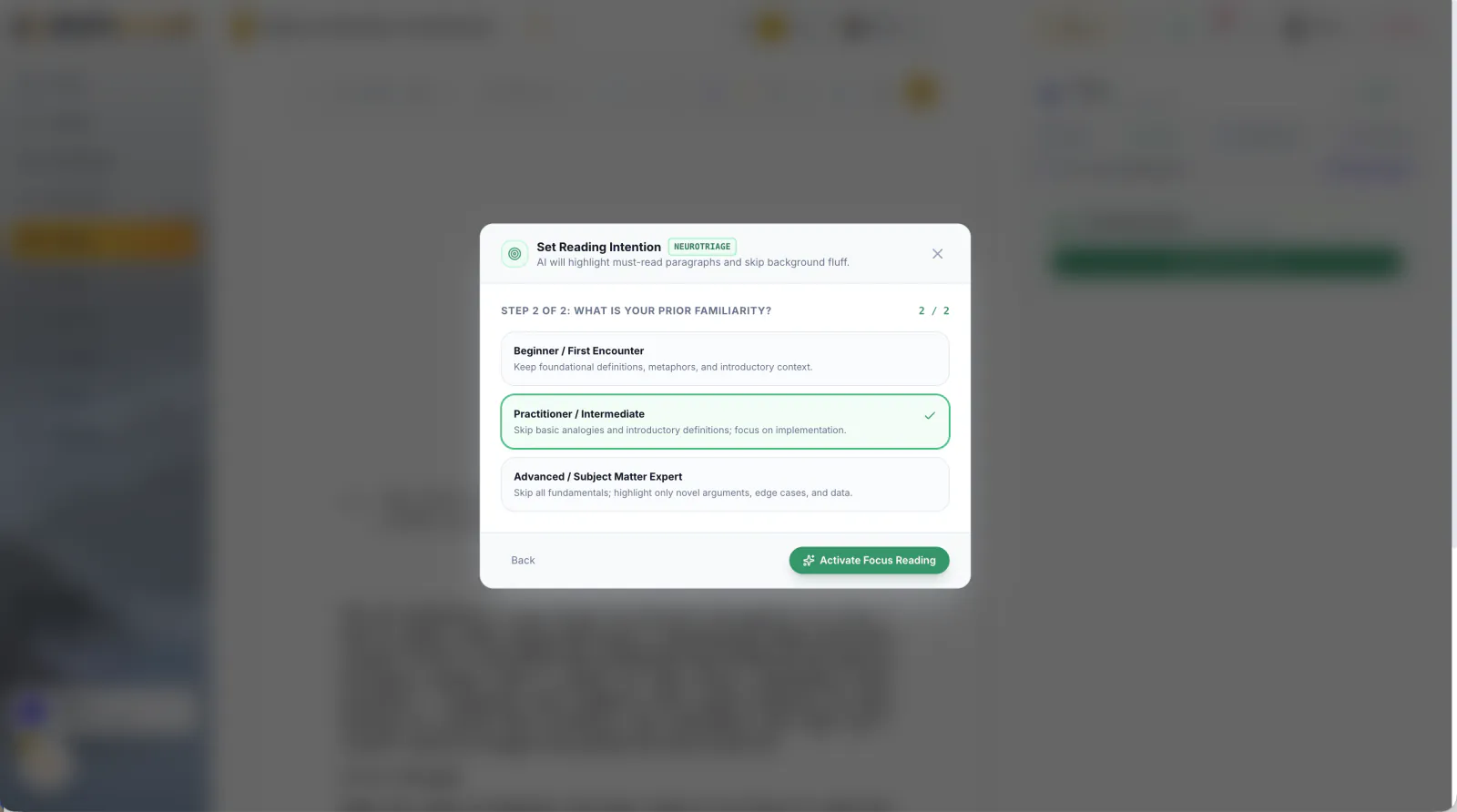
- Deep Study Mode: Detailed analysis, comprehensive conceptual breakdowns, and Socratic challenge questions.
- Goal Focus Mode: Highlights essential frameworks and models directly relevant to your goal while keeping context intact.
- Executive Skim Mode: Extracts core formulas, decision trees, and key takeaways in rapid succession.
Once configured, Luma pins your goal into the reader layout, establishing continuous context awareness across every single chapter.
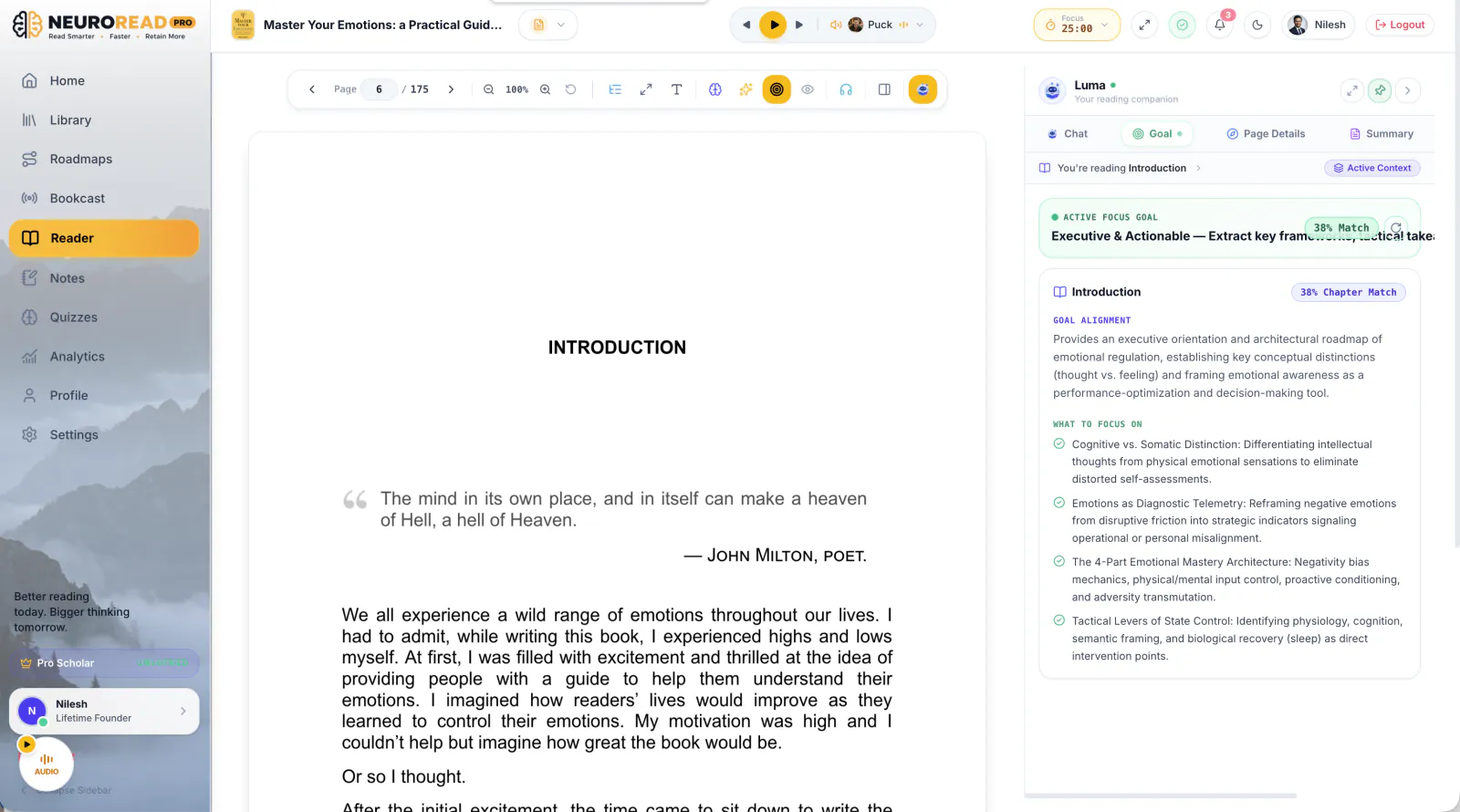
Step 3: Goal-Wise Page & Chapter Context Briefings
Now the magic happens. As you turn each page or open a new chapter, Luma evaluates the text against your active goal in real time.
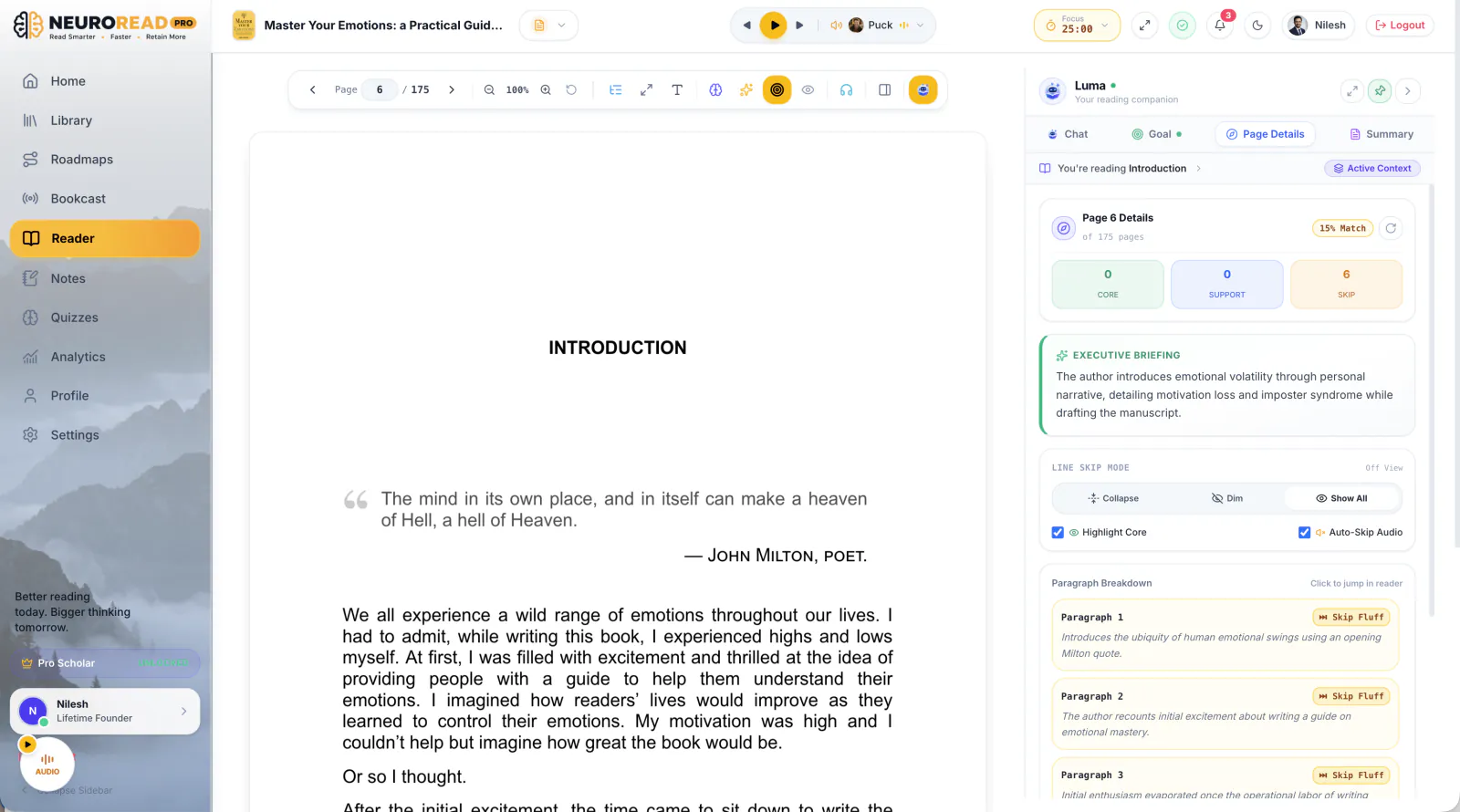
What Luma Delivers on Every Page:
- Signal vs. Noise Filtering: Luma highlights the crucial 20% of high-impact paragraphs with vibrant clarity, while subtly dimming repetitive stories and irrelevant fluff so you can skim with confidence.
- Context Briefings: An instant 3-bullet breakdown explaining how the current chapter connects to your target outcome.
- Key Areas of Focus: Bulleted callouts that tell you exactly which definitions, diagrams, and arguments deserve your undivided attention.
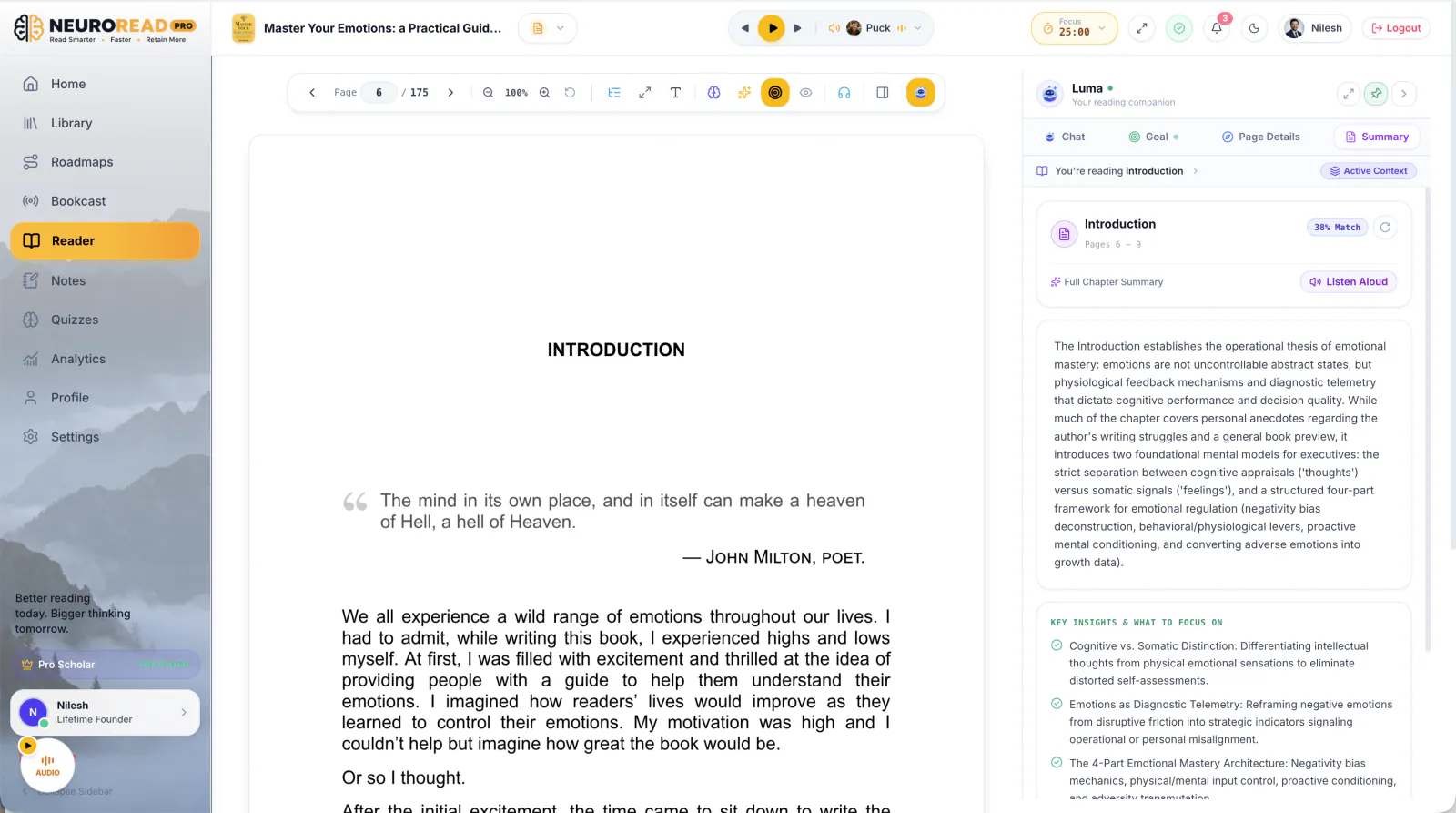
Instead of wondering "Why is the author talking about this?", Luma gives you immediate clarity before you read a single paragraph.
Step 4: Luma in Action: Socratic Q&A & Ready-to-Ask Prompts
Active reading requires questioning the text. But when you are tired after a long workday, formulating smart prompts feels like extra homework.
Luma solves this by generating pre-computed Ready-to-Ask Questions tailored to the active chapter:
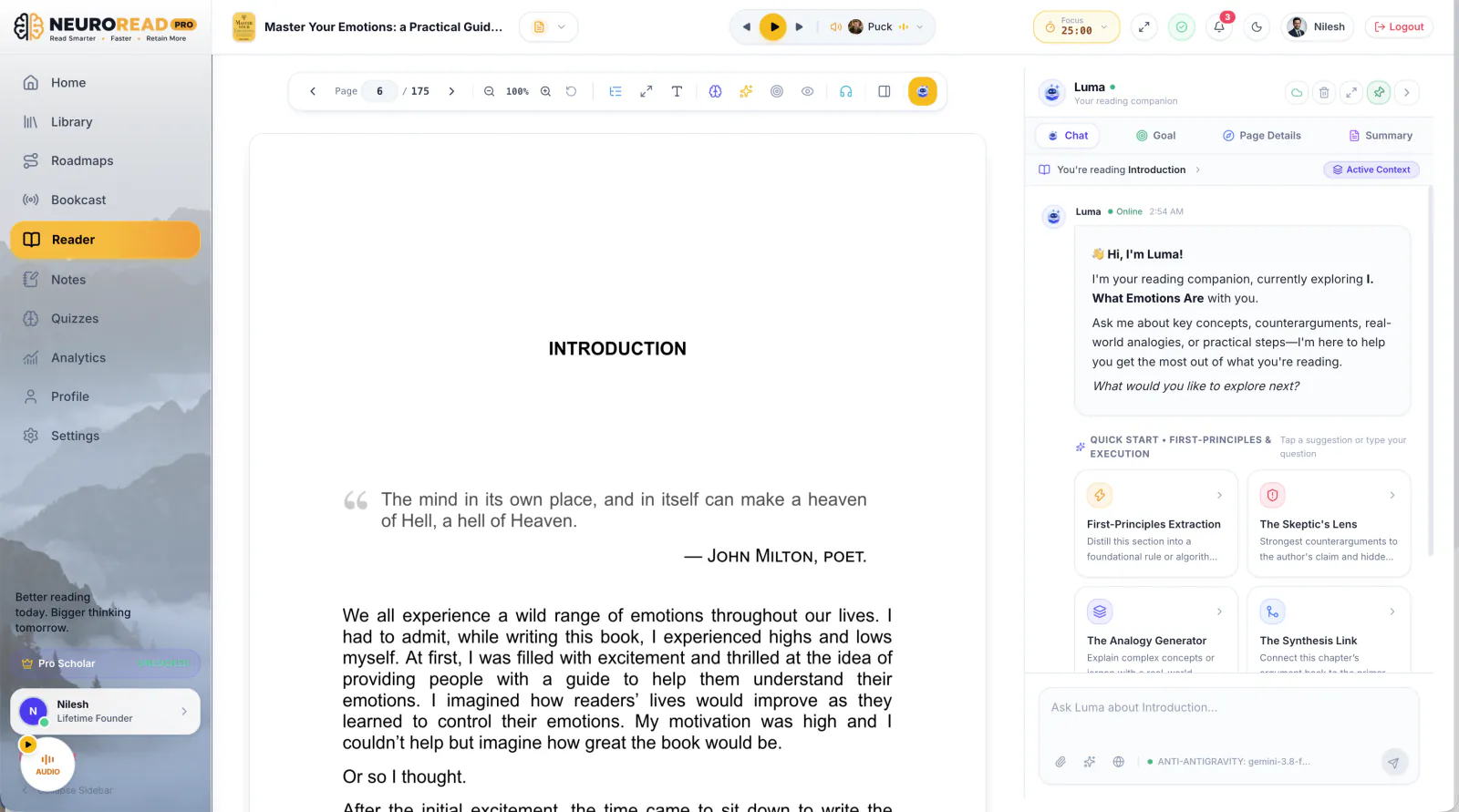
With a single click, you can ask:
- "⚡ How do I apply the 2-minute rule from page 84 to my coding habits?"
- "⚡ What are the biggest counter-arguments to the author's claim in this section?"
- "⚡ Can you explain this concept using a software architecture analogy?"
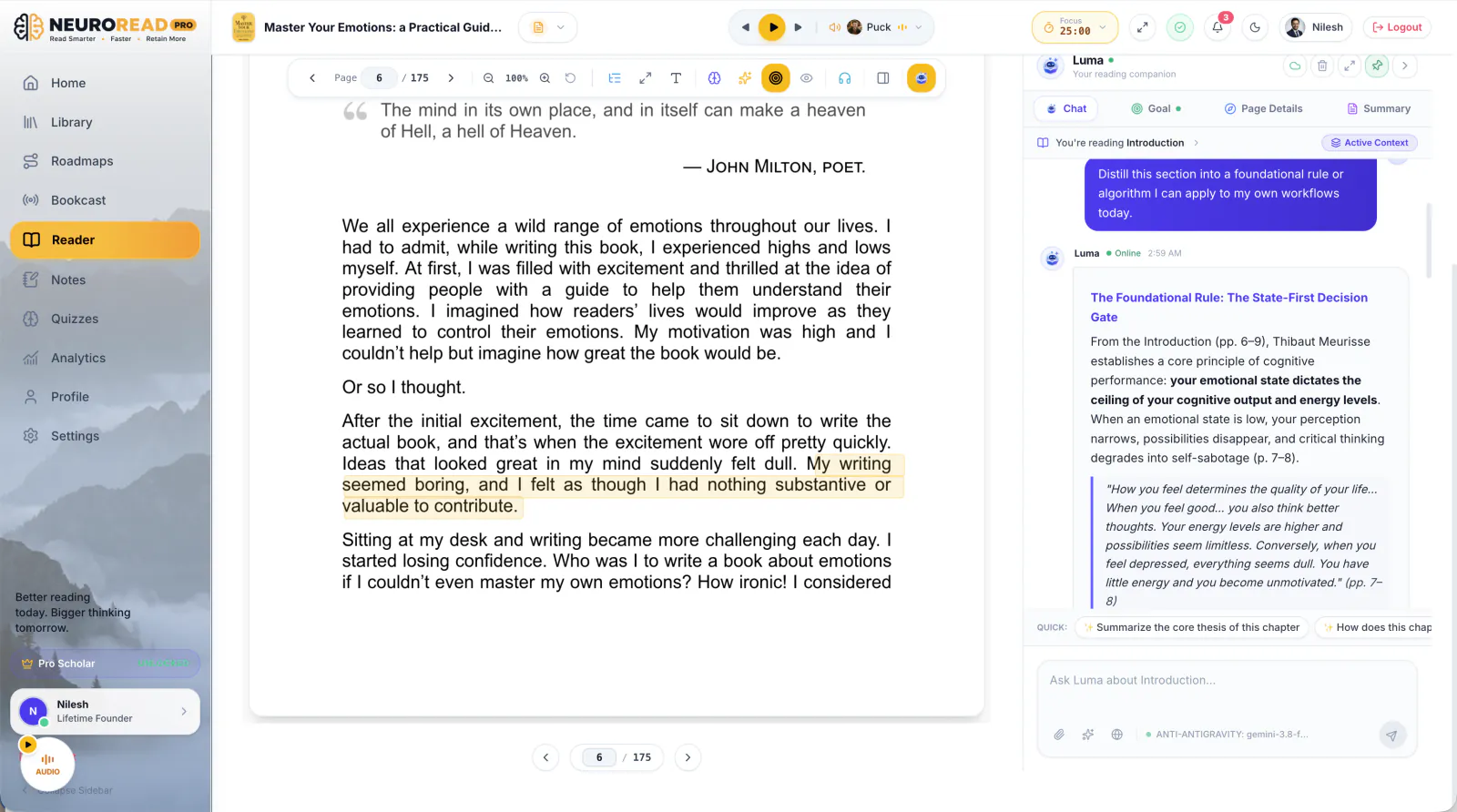
Luma responds within seconds right inside your reader sidebar—referencing exact quotes, page numbers, and interconnected chapters without breaking your cognitive flow.
Step 5: Bimodal Immersion with Synchronized Audio
To ensure you stay locked into deep focus, NeuroRead Pro pairs Luma's goal-driven intelligence with Bimodal Reading: synchronized visual text tracking paired with natural neural audio synthesis.
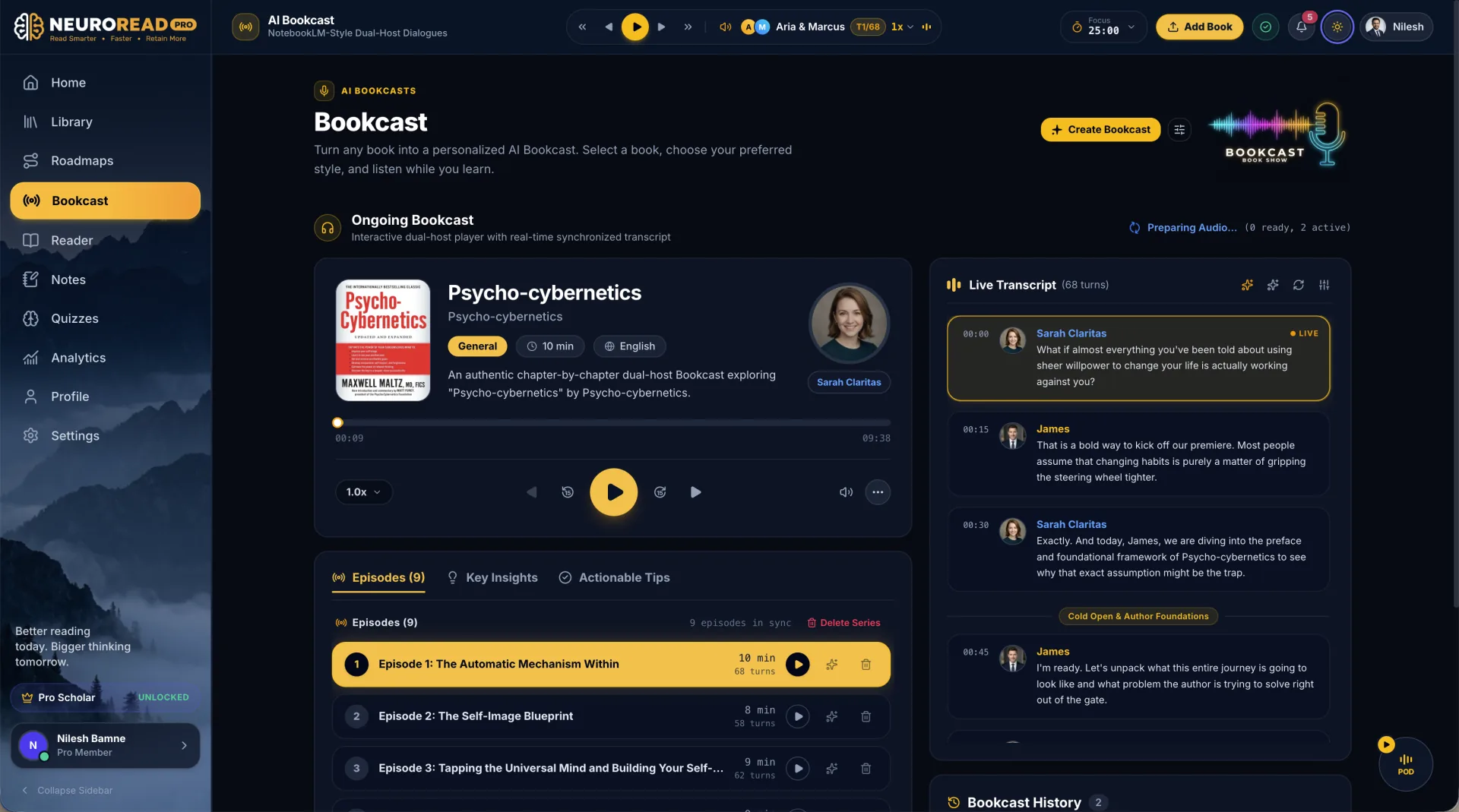
You can read in both Clean Light Theme (engineered for daytime clarity) and Midnight Navy Dark Theme (for late-night distraction-free immersion):
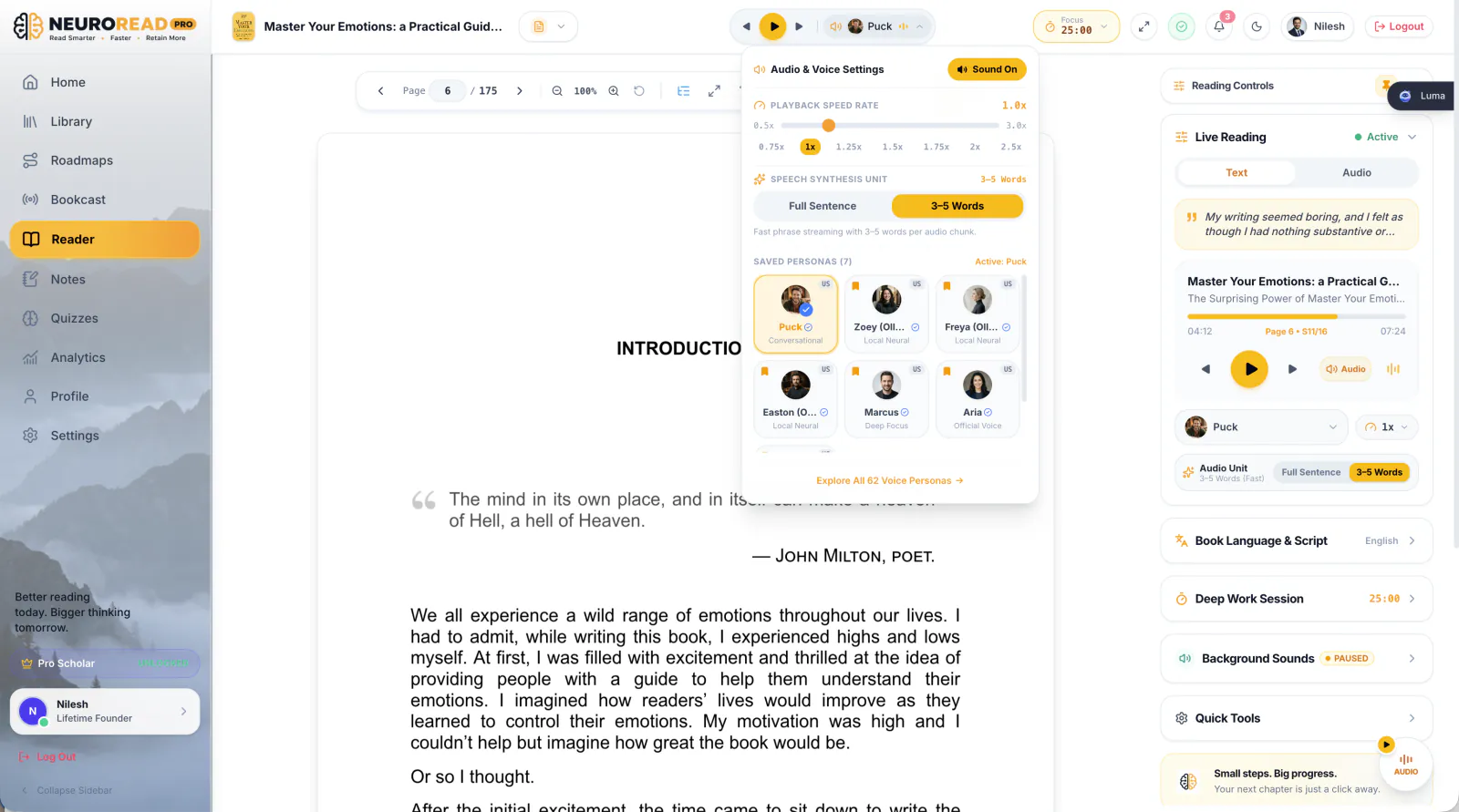
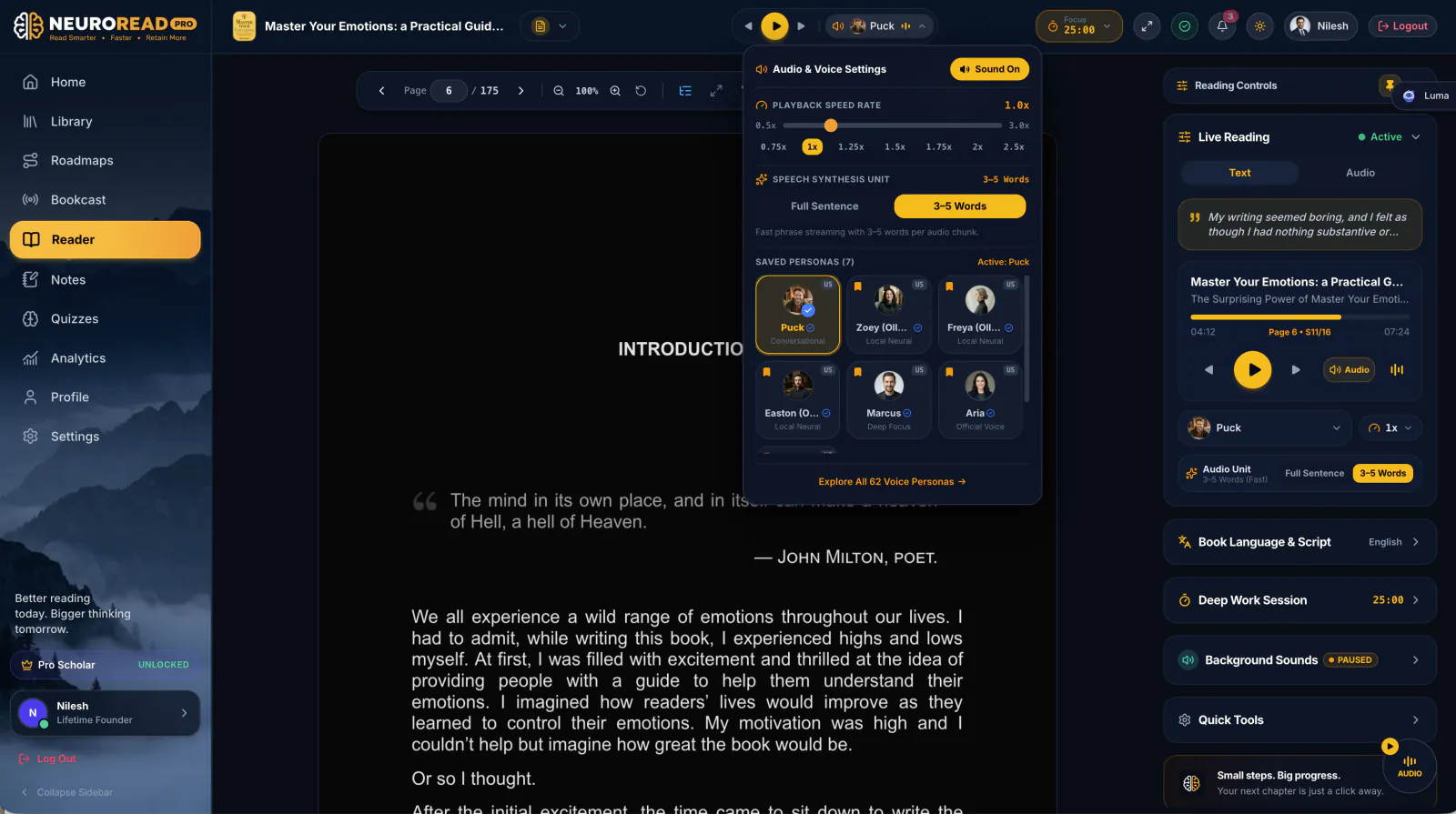
As each word is spoken by neural personas like Zoey, Freya, or Easton, your eyes are guided forward in perfect sync with your auditory cortex, completely eliminating mind-wandering and internal sub-vocal drift.
Try reading with NeuroRead Pro's synchronized highlighting feature. It helps you stay focused by guiding your eyes and keeping you in the flow of the content.
Learn more about reading modes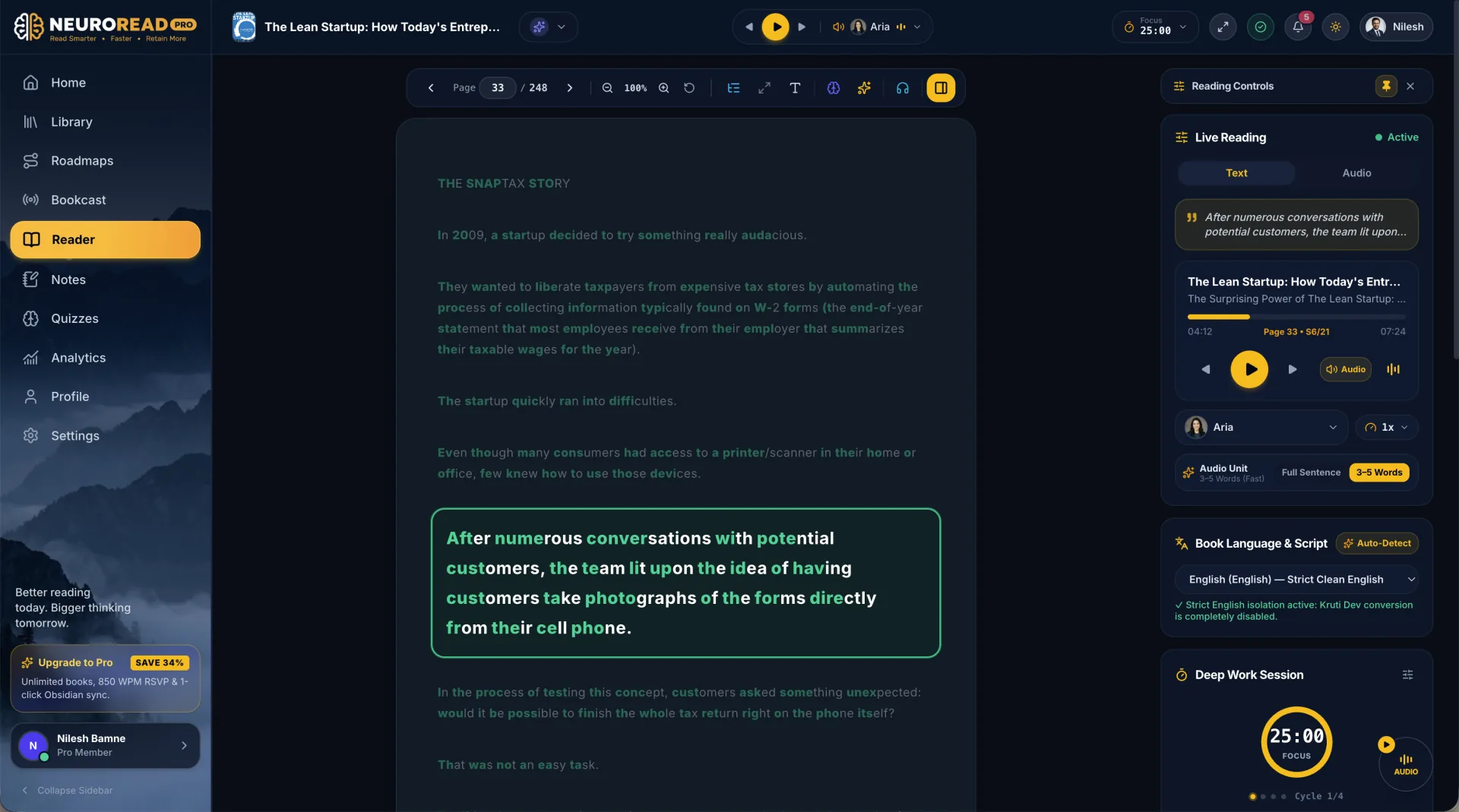
Key Takeaways
- Read with Clear Intent: Reading without a goal forces you to treat every word as equally important, causing cognitive overload.
- Filter Out the Filler: Luma pinpoints the 20% of high-leverage frameworks and flags the 80% that doesn't serve your objective.
- Orientation Before Immersion: Chapter briefings give your brain the mental scaffolding needed for effortless comprehension.
- One-Click Socratic Prompts: Click pre-generated Ready-to-Ask questions to test your understanding without typing complex prompts.
- Bimodal Reinforcement: Combine Luma's goal focus with synchronized audio highlighting for the ultimate deep learning sprint.